Table of Content
- Introduction
- Understanding How iPhone Data Recovery Works
- Common Problems & Practical Recovery Solutions
- DIY vs Professional Recovery Methods
- How to Choose the Right Repair Service
- Expert Tips & Best Practices
- Conclusion
- FAQs
Introduction
When your iPhone breaks — whether due to a cracked screen, water damage, or it suddenly stops turning on — your biggest worry is not the phone itself. It’s your photos, contacts, videos, and important files.
Many people think that a damaged iPhone means lost data. But in most cases, data recovery is possible if handled correctly.
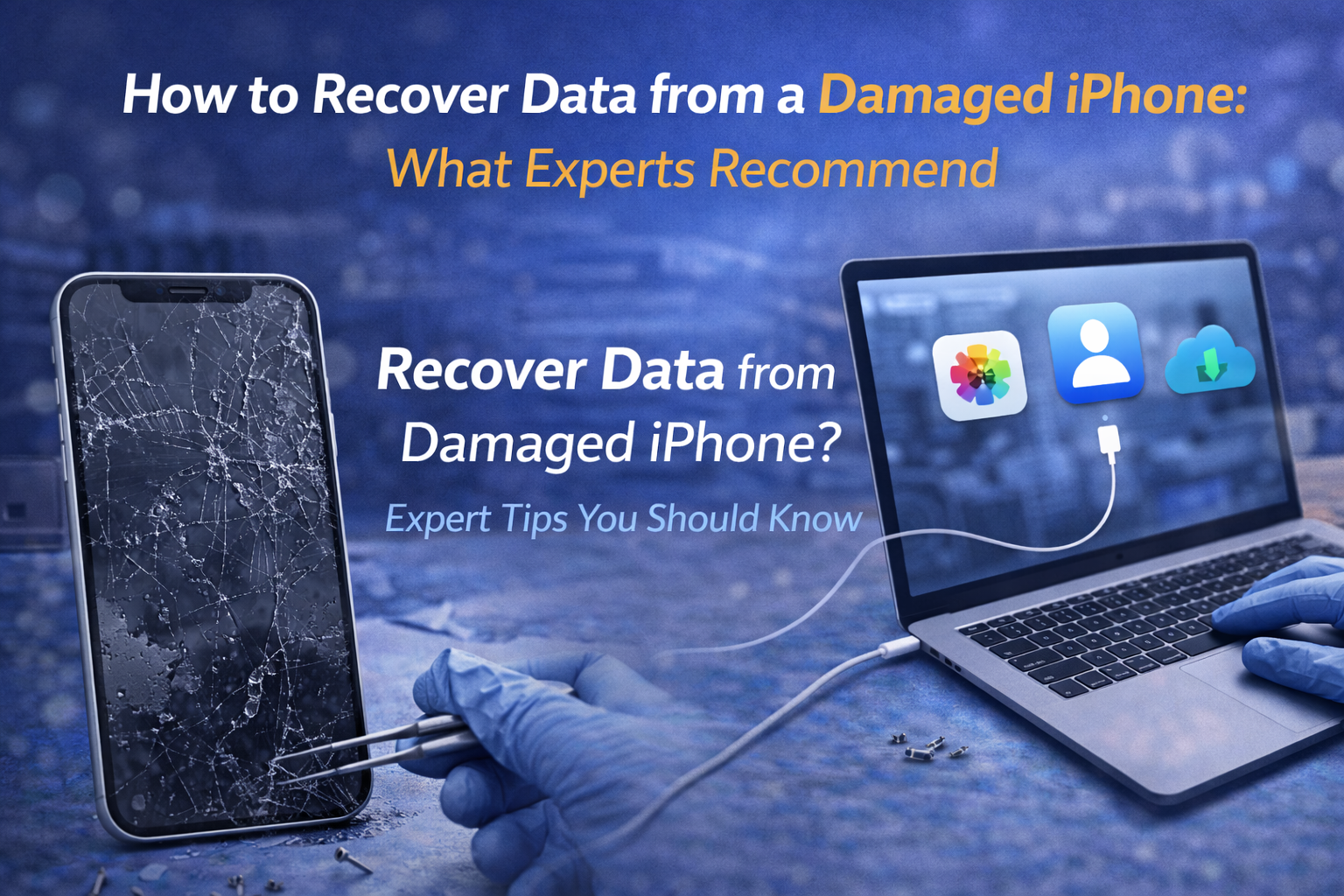
This guide explains expert methods for iPhone data recovery in Bangalore, simple steps you can try at home, and when to visit a professional repair center. The goal is to help you protect your personal data safely and avoid unnecessary risks.
Understanding How iPhone Data Recovery Works
iPhone data recovery depends on one main factor:
👉 Is the internal storage chip still safe?
Even if the screen is broken or the phone doesn’t power on, your data is usually stored safely inside the device’s encrypted memory.
Technicians recover data by:
- Restoring temporary power to the phone
- Repairing essential components like screen or battery
- Using professional recovery tools
- Accessing iCloud or iTunes backups
There are three main recovery methods:
- Backup Recovery – Using iCloud or computer backups
- Temporary Hardware Repair – Fixing key parts to access data
- Advanced Chip-Level Recovery – Specialized motherboard repairs
Understanding these options helps you choose the safest recovery method.
Common Problems & Practical Recovery Solutions
Different damage types require different recovery solutions.
Broken Screen but Phone Still On
If the phone rings or vibrates, data is likely safe. A technician can temporarily replace the screen and transfer your files.
Water-Damaged iPhone
Water can short internal circuits. Immediate cleaning and motherboard treatment increase recovery success. Avoid charging or switching on a wet device.
iPhone Not Powering On
Sometimes the issue is a dead battery or charging port. Replacing these parts may restore temporary power to recover data.
iPhone Stuck on Apple Logo
This could be a software issue. Recovery mode or backup restoration may retrieve your data.
If you’re searching for iPhone repair in Kammanahalli or iPhone repair in Bangalore, choose technicians experienced in recovery cases for better success rates.
DIY vs Professional Recovery Methods
DIY Recovery (Safe for Minor Issues)
If your phone still turns on:
- Connect to a computer and back up using iTunes or Finder
- Log into iCloud to access photos and contacts
- Use AirDrop or cloud apps to transfer files
These are safe and recommended first steps.
Professional Recovery (For Severe Damage)
If the phone is physically damaged or completely dead, professionals use:
- Temporary screen or battery replacement
- Microsoldering repairs
- Specialized data recovery tools
Professional centers offering iPhone data recovery in Bangalore have proper tools and clean repair environments. DIY internal repair attempts can permanently damage your phone.
How to Choose the Right Repair Service
Choosing the right repair center directly affects your data safety.
Here’s what to look for:
✔ Experience in Data Recovery
Ask if they have handled similar cases before.
✔ Clear Diagnosis
A reliable center explains recovery chances honestly.
✔ Safe Repair Environment
Dust-free and controlled workstations protect internal parts.
✔ Warranty & Transparency
Confirm repair costs and warranty policies beforehand.
If you are considering an Apple service center Kammanahalli or independent iPhone repair in Bangalore, check customer reviews before proceeding.
Izone Service Center is known for careful diagnostics and recovery-first approach. Their technicians guide customers step-by-step without unnecessary upgrades.
Expert Tips & Best Practices
To reduce future data loss risk:
- Enable automatic iCloud backups
- Back up your phone monthly to a computer
- Use protective cases and tempered glass
- Keep your phone away from water
- Visit a technician immediately after damage
Quick action improves recovery success. Waiting too long may worsen internal corrosion or battery damage.
Conclusion
Recovering data from a broken iPhone is often possible when handled quickly and professionally.
Whether the issue is screen damage, water exposure, or power failure, understanding recovery methods helps protect your important memories and files. Minor issues may allow DIY backups, but serious hardware damage requires expert attention.
If you need safe and reliable iPhone data recovery in Bangalore, professional diagnosis is the smartest first step.
Izone Service Center offers practical solutions, safe diagnostics, and expert support for damaged iPhones.
📞 Call Us Now: +91 9663611618
🌐 Visit Website: www.izoneservicecentre.com
FAQs
How can I prevent data loss in the future?
Enable automatic iCloud backups and regularly sync your data to a computer.
How much does iPhone data recovery cost in Bangalore?
Cost depends on the damage type. Simple fixes are affordable, while advanced motherboard repairs cost more.
Does Apple warranty cover data recovery?
Standard warranties cover hardware defects, not personal data recovery.
Can water-damaged iPhones recover photos?
Yes, if treated quickly. Immediate professional cleaning increases recovery success.
How long does professional recovery take?
Simple cases take a few hours. Complex motherboard repairs may take 1–3 days.
Is it safe to open my iPhone at home?
No. Opening your phone without proper tools can cause permanent damage.
Will repair delete my data?
Basic repairs usually don’t erase data, but always inform the technician that data recovery is your priority.
Can data be recovered from a completely dead iPhone?
In many cases, yes. If the storage chip is intact, technicians can restore temporary power or repair key components to access data.