iPhone 13 Green Screen Issue: Causes and How to Fix (Updated 2026) | iZone Service Centre
Table of Contents
Introduction
Why Does iPhone 13 Show a Green Screen After Update?
Common Causes of iPhone 13 Green Screen Issue
How to Fix iPhone 13 Green Screen Problem
When to Visit iZone Service Centre
Why Choose iZone Service Centre?
Conclusion
FAQs
Introduction
Are you facing the iPhone 13 green screen issue after a recent iOS update? Many iPhone 13 users in 2026 are reporting sudden green display problems, flickering screens, vertical green lines, or complete green tint after updating their device software. This issue can appear randomly and may make your phone difficult to use.
At iZone Service Centre, we provide professional diagnosis and repair solutions for all iPhone display problems. Whether the issue is caused by software bugs or hardware damage, our expert technicians can help restore your iPhone quickly and safely.
Contact iZone Service Centre today: 9663611618
Why Does iPhone 13 Show a Green Screen After Update?
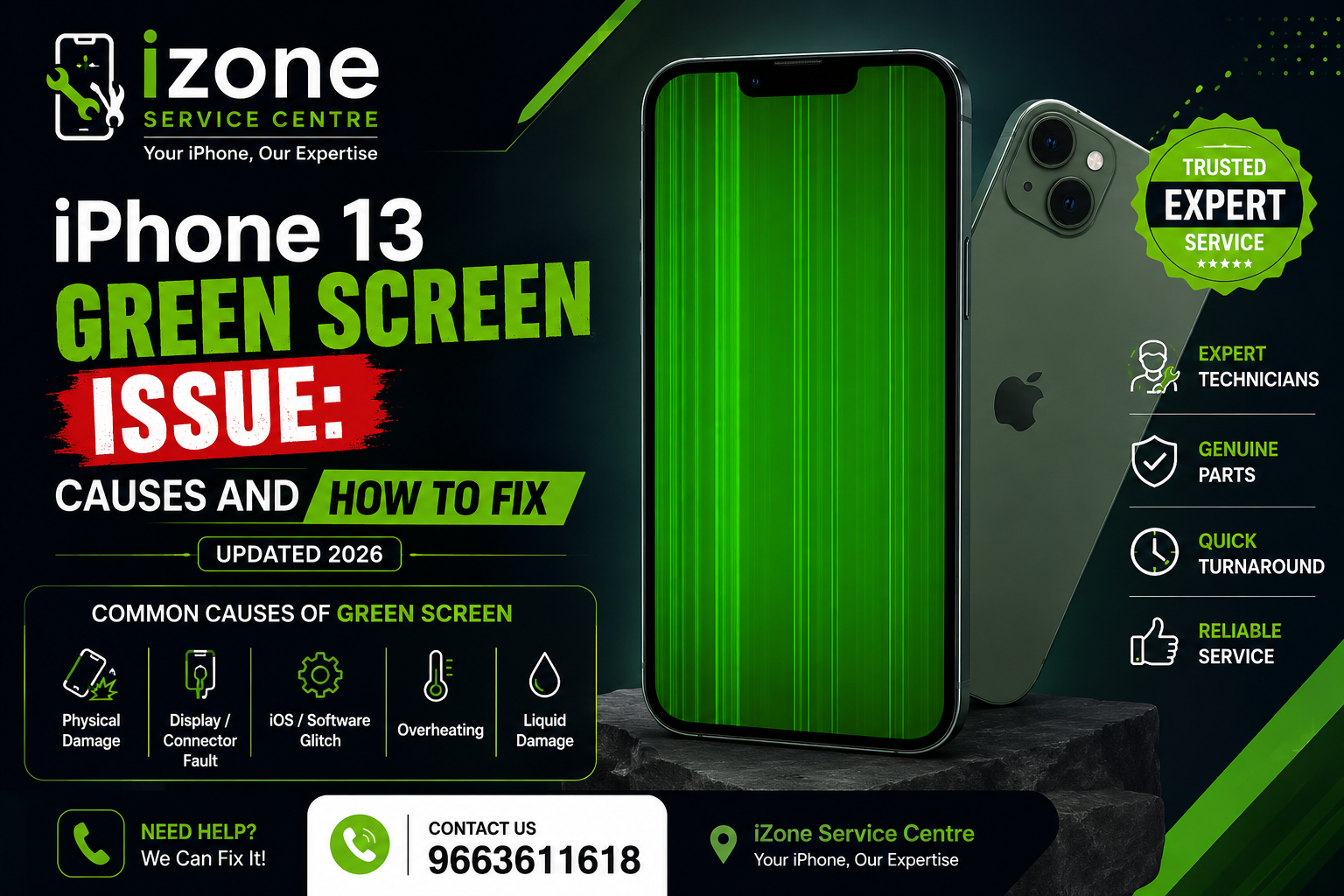
The green screen issue usually appears after a major iOS update or due to display hardware problems. In some cases, the software update affects OLED display calibration, causing the screen to turn green or flicker continuously.
Some users may notice:
Full green display
Green tint on low brightness
Flickering screen
Green vertical lines
Screen freezing after update
This issue can happen suddenly even if the phone was working perfectly before the update.
Common Causes of iPhone 13 Green Screen Issue
1. iOS Software Bug
A corrupted or unstable iOS update may trigger screen calibration problems on OLED displays.
2. Display Connector Problem
If the display connector becomes loose due to accidental drops or impact, the screen may show green lines or flickering.
3. Damaged OLED Display
Physical damage or internal pressure can affect the OLED panel and create a permanent green screen issue.
4. Water or Moisture Damage
Liquid damage inside the device can affect the display IC and screen functions.
5. Overheating
Excessive heating during charging or gaming can sometimes damage the display components.
How to Fix iPhone 13 Green Screen Problem
Restart Your iPhone
A simple force restart can temporarily fix minor software glitches.
Update to Latest iOS Version
Apple may release patches to fix display-related software bugs. Always keep your iPhone updated.
Reduce Brightness and Disable True Tone
Sometimes lowering brightness or turning off True Tone reduces the green tint effect.
Reset All Settings
Resetting system settings can remove software conflicts causing display issues.
Professional Display Diagnosis
If the issue continues, the problem may be hardware-related and requires professional inspection.
At iZone Service Centre, we use advanced tools to diagnose the exact cause of the green screen issue and provide reliable repair solutions.
When to Visit iZone Service Centre
You should visit our service centre if:
The green screen appears continuously
Your display flickers after update
The screen becomes completely green
Touch stops responding
Restarting does not solve the issue
Our experienced technicians can repair or replace damaged display components with high-quality parts.
📞 Call Now: 9663611618
Why Choose iZone Service Centre?
Expert iPhone Technicians
Fast Diagnosis and Repair
High-Quality Replacement Parts
Affordable Pricing
Same-Day Service Available
Trusted iPhone Repair Service in Bangalore
At iZone Service Centre, customer satisfaction and quality service are our priorities.
Conclusion
The iPhone 13 green screen issue in 2026 is becoming a common problem, especially after software updates. While some cases are software-related, others may require professional hardware repair. Ignoring the issue can lead to further display damage.
If your iPhone 13 screen has turned green or started flickering, visit iZone Service Centre today for expert repair support.
📍 iZone Service Centre
📞 Contact Number: 9663611618
FAQs
Q1. Can an iOS update cause green screen issues?
Yes, some iOS updates can trigger OLED display glitches or calibration problems.
Q2. Will restarting fix the green screen issue?
In minor software cases, restarting may temporarily solve the issue.
Q3. Does green screen mean display replacement is needed?
Not always. Sometimes software repair or connector fixing can solve the problem.
Q4. How much does iPhone 13 green screen repair cost?
Repair cost depends on whether the issue is software-related or hardware-related.
Q5. Where can I repair my iPhone 13 green screen issue?
You can visit iZone Service Centre for professional diagnosis and repair services.