Table of Contents
Introduction
Avoid Using Cheap Chargers
Clean Your Devices the Right Way
Don’t Charge Your Device Overnight
Restart Your Device Regularly
Protect Your Device with a Case & Screen Guard
Why Choose Izone Service Centre?
Conclusion
Frequently Asked Questions
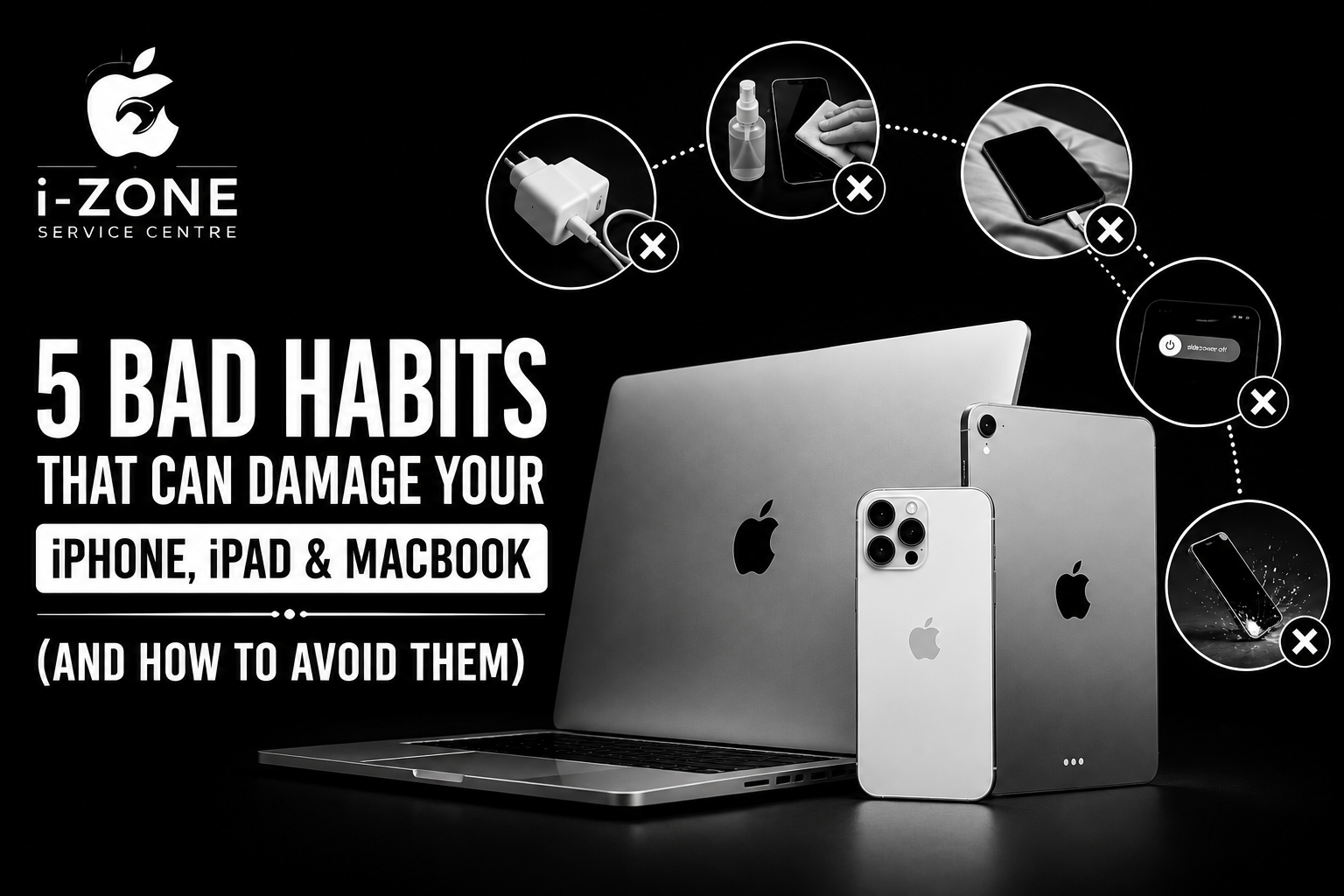
5 Bad Habits That Can Damage Your iPhone, iPad & MacBook (And How to Avoid Them)
Introduction
Your iPhone, iPad, and MacBook are valuable investments that you rely on every day for work, entertainment, communication, and productivity. However, many users unknowingly develop habits that reduce battery life, affect performance, and even lead to expensive repairs.
The good news is that a few simple changes can significantly extend the life of your Apple devices. Here are five common mistakes to avoid and practical tips to keep your devices performing like new.
1. Avoid Using Cheap Chargers
Low-quality or uncertified chargers may not provide stable power and can damage your battery, charging port, or internal components. They may also increase the risk of overheating.
Tip: Always use genuine or high-quality certified charging accessories to protect your device and ensure safe charging.
2. Clean Your Devices the Right Way
Dust and debris can build up inside charging ports and speakers, affecting performance. Avoid using harsh cleaning chemicals or rough materials that can damage the display or body.
Tip: Use a soft microfiber cloth and clean your device gently. If the charging port is blocked, have it professionally cleaned.
3. Don’t Charge Your Device Overnight
Leaving your device plugged in for long periods may increase battery wear over time. Although modern Apple devices include battery optimization features, maintaining healthy charging habits can help extend battery life.
Tip: Try to keep your battery between 20% and 80% whenever possible and use quality charging accessories.
4. Restart Your Device Regularly
Many users rarely restart their devices. Restarting clears temporary files, refreshes system processes, improves performance, and resolves minor software glitches.
Tip: Restart your iPhone, iPad, or MacBook at least once a week for smoother performance.
5. Protect Your Device with a Case & Screen Guard
Accidental drops are one of the leading causes of cracked screens and costly repairs. A quality protective case and tempered glass can help minimize damage from everyday accidents.
Tip: Invest in a durable case and premium screen protector to keep your device safe.
Why Choose Izone Service Centre?
Whether you need diagnostics, display replacement, battery replacement, charging port repair, motherboard repair, or software troubleshooting, our experienced technicians are here to help.
Visit Our Stores
📍 Izone Service Centre – HBR Layout, Bangalore
📞 9663611618
📍 Izone Service Centre – Bhartiya City, Bangalore
📞 9620625623
We provide professional solutions for iPhone, iPad, MacBook, Apple Watch, and other Apple devices using quality parts and advanced diagnostic tools.
Conclusion
Following these simple tips can help improve your device’s performance, extend battery life, and reduce the risk of unexpected repairs. If your Apple device is experiencing charging issues, battery problems, display damage, or other hardware concerns, visit Izone Service Centre for expert assistance.
Frequently Asked Questions
Is it safe to use third-party chargers?
It’s best to use genuine or certified chargers from trusted manufacturers to ensure safe and reliable charging.
How often should I restart my iPhone or MacBook?
Restarting your device once a week helps maintain smooth performance and clears temporary software issues.
Can overnight charging damage my battery?
Modern Apple devices manage charging intelligently, but avoiding unnecessary long charging sessions can help maintain battery health over time.
What is the best way to clean my Apple device?
Use a clean microfiber cloth and avoid harsh chemicals or abrasive cleaning materials.
Where can I get my Apple device checked in Bangalore?
Visit Izone Service Centre at HBR Layout or Bhartiya City for professional diagnostics and repair service.