What to Do If Your iPad Gets Wet: Essential Dos & Don’ts | Izone Service Centre Bangalore
Table of Contents
Introduction
What You Should Do
Turn Off Your iPad Immediately
Remove All Connected Accessories
Dry the Exterior Carefully
Hold the Charging Port Downward
Let the Device Dry Naturally
Get a Professional Inspection
What You Should NOT Do
Don’t Charge Your iPad
Don’t Press Buttons Repeatedly
Don’t Use a Hair Dryer or Heat Gun
Don’t Use Compressed Air
Don’t Open the Device Yourself
Why Choose Izone Service Centre?
Conclusion
Contact Izone Service Centre
Introduction
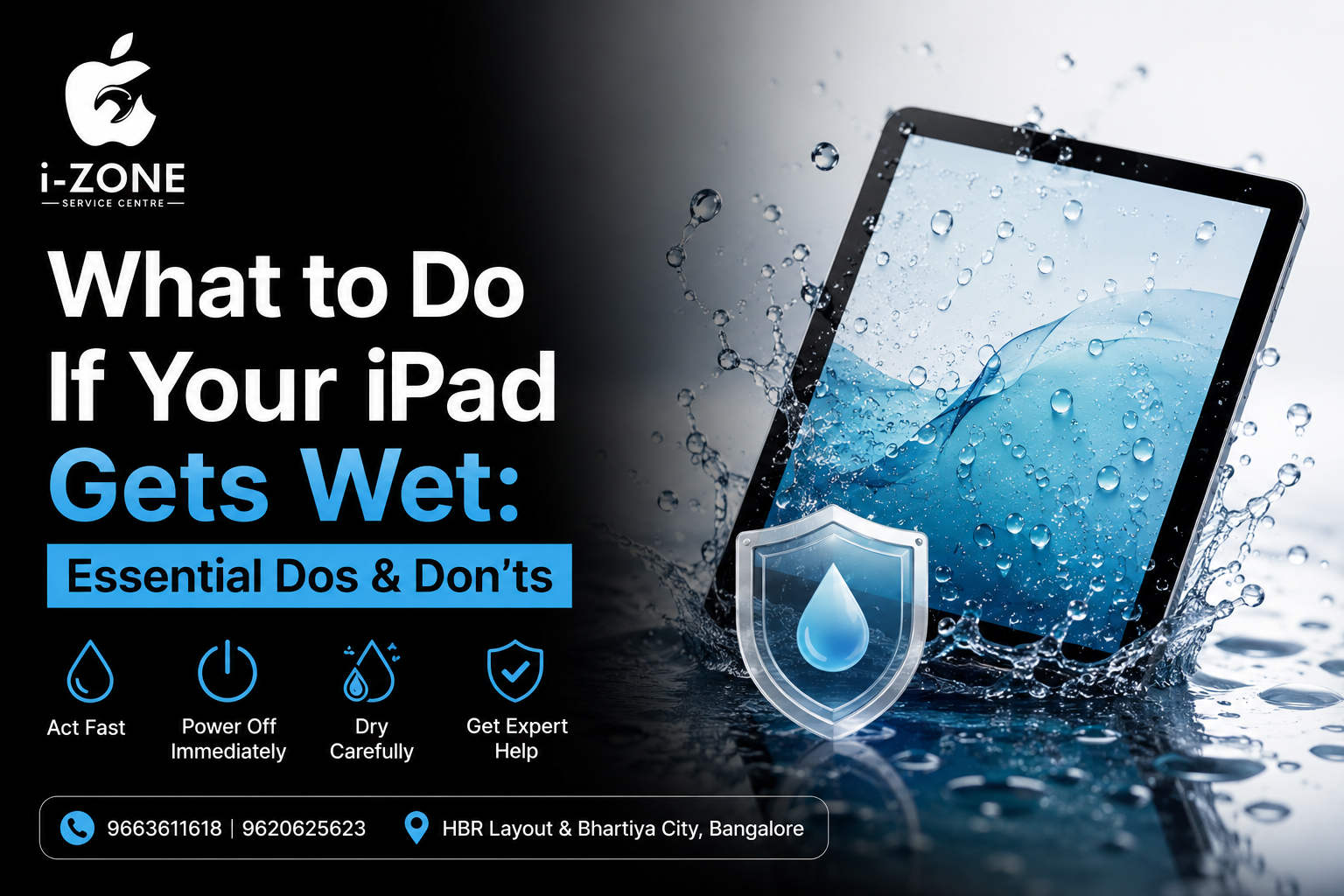
Accidentally dropped your iPad in water? Spilled coffee or water on it? Don’t panic. The first few minutes after your iPad comes into contact with water are the most important. Taking the right steps immediately can help prevent serious internal damage and improve the chances of restoring your device.
At Izone Service Centre, we specialize in iPad diagnosis and liquid damage solutions for customers across HBR Layout, Bhartiya City, Manyata Tech Park, Hebbal, Kammanahalli, and nearby areas in Bangalore.
What You Should Do
1. Turn Off Your iPad Immediately
If your iPad is still switched on, power it off right away. Electricity and water don’t mix, and leaving the device on can cause short circuits that damage the motherboard.
2. Remove All Connected Accessories
Disconnect the charger, keyboard, Apple Pencil, headphones, or any other accessories connected to the iPad. This helps reduce the risk of electrical damage.
3. Dry the Exterior Carefully
Use a clean, soft microfiber cloth to wipe away visible water from the screen, back, buttons, speakers, and charging port. Avoid pressing too hard while cleaning.
4. Hold the Charging Port Downward
Gently tilt the iPad with the charging port facing downward so that trapped water can drain naturally. Avoid shaking the device aggressively.
5. Let the Device Dry Naturally
Place the iPad in a dry, well-ventilated area. Silica gel packets can help absorb moisture if available. While many people use uncooked rice, it is not the most reliable solution and may leave dust or particles inside the ports.
6. Get a Professional Inspection
Even if the iPad appears to work normally after drying, moisture trapped inside can cause corrosion over time. A professional internal inspection can prevent future failures and save expensive repairs later.
What You Should NOT Do
1. Don’t Charge Your iPad
Never connect the charger until you’re certain the device is completely dry. Charging a wet iPad can cause severe internal damage.
2. Don’t Press Buttons Repeatedly
Avoid continuously pressing the power or volume buttons to check whether the device is working. This can push moisture deeper into the internal components.
3. Don’t Use a Hair Dryer or Heat Gun
High temperatures can damage the display, battery, adhesives, and delicate electronic components. Always avoid direct heat.
4. Don’t Use Compressed Air
Compressed air can force water further inside the iPad, making the damage worse instead of better.
5. Don’t Open the Device Yourself
Modern iPads are difficult to open without specialized tools. Attempting a DIY repair can damage the display or internal cables and may increase repair costs.
Why Choose Izone Service Centre?
If your iPad has been exposed to water, our technicians can perform a detailed inspection and recommend the best solution. We focus on careful diagnostics and high-quality workmanship to help restore your device whenever possible.
Why Customers Choose Us
Experienced technicians for iPad diagnostics
Advanced tools for liquid damage inspection
Quality replacement parts
Fast turnaround time
Transparent pricing
Friendly customer support
Convenient location in HBR Layout, near Bhartiya City, Bangalore
Conclusion
A water-damaged iPad doesn’t always mean it’s beyond repair. Acting quickly, avoiding common mistakes, and getting the device professionally inspected can significantly improve the chances of recovery.
If your iPad has come into contact with water, don’t wait. Visit Izone Service Centre in HBR Layout or near Bhartiya City, Bangalore, for professional assistance and expert diagnosis.
Contact Izone Service Centre
📍 Location: HBR Layout, Bangalore (Near Bhartiya City)
📞 Call Us:
9663611618
9620625623
We provide expert solutions for iPad liquid damage, display issues, charging problems, battery replacement, motherboard issues, and other Apple device concerns.