How to Extend the Life of Your Apple Devices | Izone Service Centre
Table of Contents
Introduction
Keep Your Software Updated
Use Genuine Chargers and Accessories
Protect Your Device with Quality Accessories
Maintain Battery Health
Keep Your Devices Clean
Avoid Overheating
Manage Storage Efficiently
Backup Your Data Regularly
Get Professional Device Care
Why Choose Izone Service Centre?
Contact Izone Service Centre
How to Extend the Life of Your Apple Devices
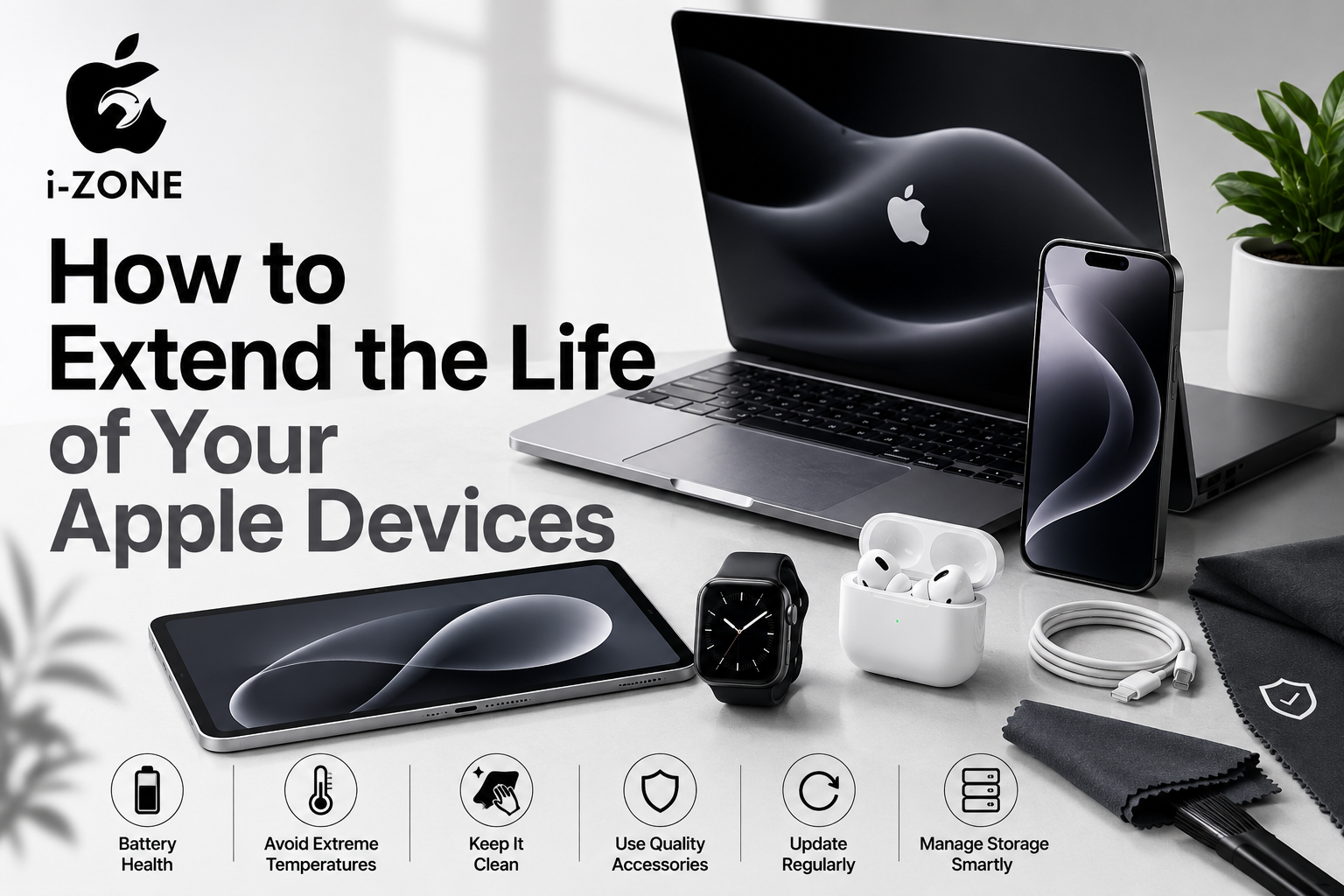
Apple devices are known for their premium quality, powerful performance, and long lifespan. Whether you own an iPhone, iPad, MacBook, Apple Watch, or AirPods, proper care can help your device stay fast, reliable, and functional for many years. Simple maintenance habits can prevent common issues, improve battery life, and reduce the risk of costly repairs.
At Izone Service Centre, we help Apple users keep their devices in excellent condition with professional diagnostics, quality parts, and expert technical support. With branches in HBR Layout and Bhartiya City, Bangalore, we are committed to providing dependable solutions for all your Apple device needs.
1. Keep Your Software Updated
Apple regularly releases software updates that improve security, fix bugs, and enhance device performance.
Updating your iPhone, iPad, or MacBook ensures:
Better security against threats
Improved battery optimization
New features and performance enhancements
Better compatibility with apps
Always install updates from the official Apple Software Update section.
2. Use Genuine Chargers and Accessories
Low-quality charging accessories can damage batteries, charging ports, and internal components.
For better device health:
Use certified charging cables.
Choose quality adapters.
Replace damaged charging accessories immediately.
Avoid extremely cheap third-party accessories.
Investing in quality accessories helps extend your device’s lifespan.
3. Protect Your Device with Quality Accessories
Physical protection plays a major role in preventing accidental damage.
Consider using:
Premium screen protectors
Shock-resistant back covers
Laptop sleeves
Keyboard protectors
Camera lens protectors
Proper protection reduces the chances of cracks, scratches, and accidental impacts.
4. Maintain Battery Health
Battery performance naturally decreases over time, but good charging habits can slow the aging process.
Helpful tips include:
Avoid letting the battery reach 0% frequently.
Try to keep the charge between 20% and 80%.
Avoid leaving the device plugged in overnight regularly.
Enable Optimized Battery Charging whenever available.
Healthy charging habits can significantly improve battery lifespan.
5. Keep Your Devices Clean
Dust, fingerprints, and dirt can affect charging ports, speakers, microphones, and cooling systems.
Clean your devices regularly using:
Soft microfiber cloths
Alcohol-free screen cleaners
Soft brushes for ports
Avoid using excessive moisture or harsh cleaning chemicals.
6. Avoid Overheating
Excessive heat is one of the biggest causes of battery degradation.
Avoid:
Leaving devices inside parked vehicles
Direct sunlight for extended periods
Heavy gaming while charging
Blocking ventilation on MacBooks
Allow your devices to cool naturally if they become warm during heavy usage.
7. Manage Storage Efficiently
Running out of storage can slow down device performance.
To keep your device running smoothly:
Delete unnecessary files.
Remove unused applications.
Store photos and videos in cloud storage.
Clear app cache periodically.
Maintaining sufficient free storage helps your Apple device perform efficiently.
8. Backup Your Data Regularly
Unexpected hardware failures or accidental damage can result in data loss.
Regular backups ensure your important information remains safe.
You can use:
iCloud Backup
Mac Backup
External storage devices
Backing up your data provides peace of mind before any maintenance or upgrades.
9. Get Professional Device Care
Ignoring small issues often leads to larger and more expensive problems.
Professional diagnostics can identify:
Battery health issues
Charging problems
Display concerns
Camera issues
Motherboard faults
Performance slowdowns
Routine inspections help prevent major failures and extend the life of your Apple devices.
Why Choose Izone Service Centre?
At Izone Service Centre, we focus on delivering reliable solutions for Apple devices with experienced technicians and quality replacement parts.
We specialize in:
iPhone Display Replacement
Battery Replacement
Charging Port Solutions
Back Glass Replacement
Camera Solutions
Face ID Diagnostics
MacBook Repair & Upgrades
iPad Solutions
Apple Watch Support
Premium Apple Accessories
Screen Guards
Back Covers
Device Skins
Visit Our Stores
HBR Layout Branch
Izone Service Centre
Bhartiya City Branch
Izone Service Centre
Our team is dedicated to helping customers keep their Apple devices performing at their best with trusted support and quality workmanship.
Contact Izone Service Centre
📍 HBR Layout, Bangalore
📍 Bhartiya City, Bangalore
📞 Phone: 9663611618
📞 Phone: 9620625623
Conclusion
Taking care of your Apple devices doesn’t require complicated maintenance. Simple habits like using quality accessories, maintaining battery health, keeping software updated, cleaning your device regularly, and seeking professional assistance when needed can greatly extend the lifespan of your iPhone, iPad, MacBook, or Apple Watch.
If you’re looking for trusted Apple device support in Bangalore, visit Izone Service Centre at our HBR Layout or Bhartiya City branches. Our experienced team is ready to help you keep your devices performing like new for years to come.