
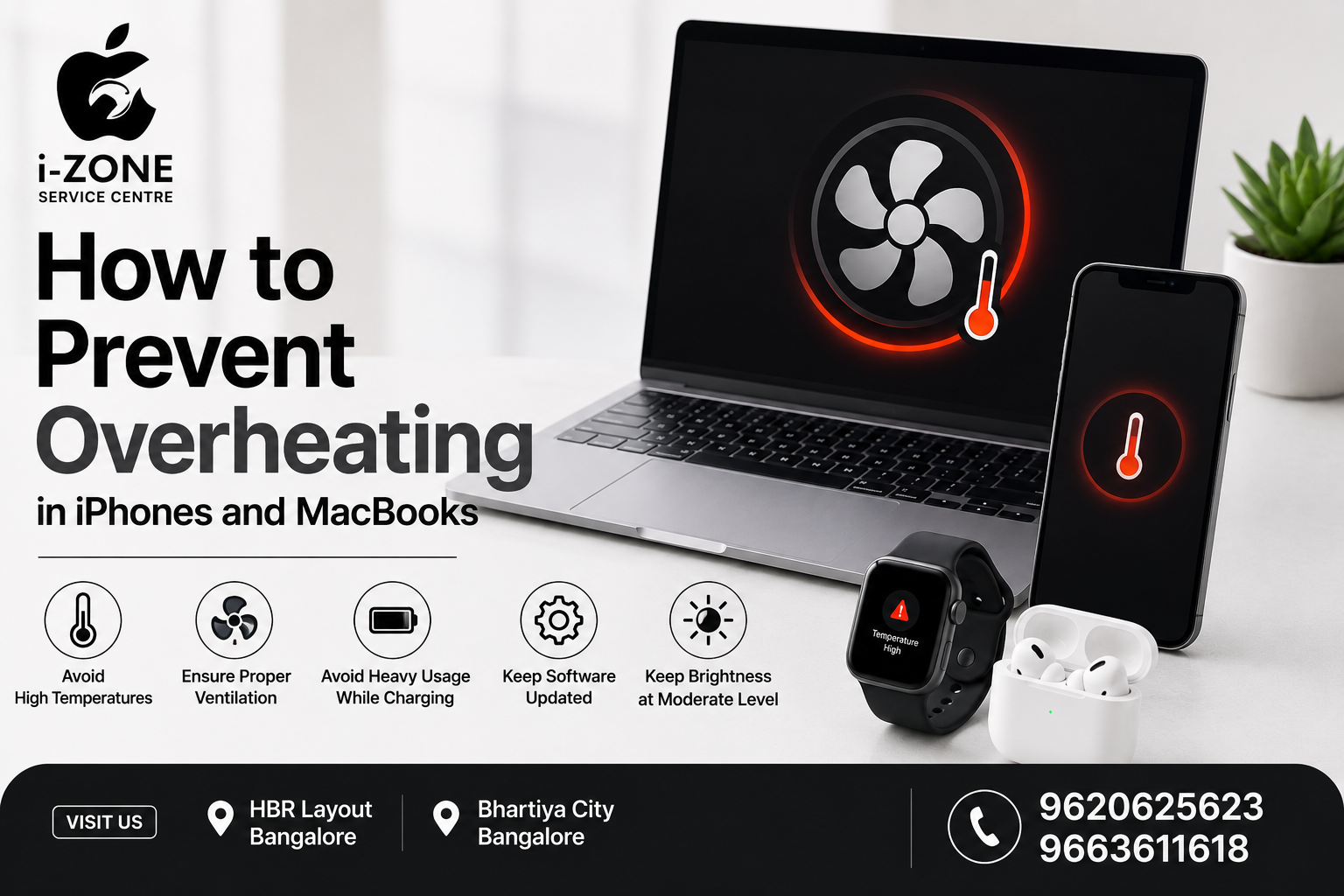
How to Prevent Overheating in iPhones and MacBooks | Izone Service Centre
Table of Contents
Introduction
Why Do iPhones and MacBooks Overheat?
Keep Your Software Updated
Avoid Heavy Usage While Charging
Protect Your Device from High Temperatures
Ensure Proper Ventilation
Use Genuine Chargers and Accessories
Monitor Battery Health
Free Up Storage Space
When to Seek Professional Help
Why Choose Izone Service Centre?
Contact Izone Service Centre
Conclusion
How to Prevent Overheating in iPhones and MacBooks
Introduction
iPhones and MacBooks are designed to deliver powerful performance, but excessive heat can affect their speed, battery life, and overall lifespan. While occasional warmth during charging or heavy use is normal, frequent overheating can indicate poor usage habits or underlying hardware issues. Following a few simple maintenance tips can help keep your Apple devices cool, improve their performance, and extend their lifespan.
Why Do iPhones and MacBooks Overheat?
Several factors can cause your Apple devices to overheat, including:
Running multiple apps at the same time
Gaming or video editing for long periods
Using your device while charging
Exposure to direct sunlight
Low-quality chargers or damaged cables
Outdated software
Poor ventilation
Aging batteries
Understanding these causes is the first step toward preventing overheating.
Keep Your Software Updated
Apple regularly releases iOS and macOS updates that improve system performance, fix bugs, and optimize battery efficiency. Installing the latest software helps reduce unnecessary background activity that can generate excess heat.
Avoid Heavy Usage While Charging
Using graphics-intensive applications, gaming, or streaming videos while charging causes the processor and battery to work harder, increasing heat generation. Allow your device to charge without heavy usage whenever possible.
Protect Your Device from High Temperatures
Avoid leaving your iPhone or MacBook in parked cars, near windows, or under direct sunlight. High environmental temperatures can quickly affect battery health and reduce your device’s performance.
Ensure Proper Ventilation
MacBooks require proper airflow for efficient cooling. Always use your laptop on a hard, flat surface instead of beds, pillows, or blankets, which can block the cooling vents and trap heat inside.
Use Genuine Chargers and Accessories
Using high-quality charging cables and adapters ensures stable power delivery and protects your device from overheating caused by poor-quality accessories. Damaged chargers should be replaced immediately.
Monitor Battery Health
An aging or damaged battery can generate excessive heat and reduce overall performance. Regularly checking your battery health and replacing it when necessary helps keep your device running efficiently.
Free Up Storage Space
A device with nearly full storage may work harder to perform everyday tasks, increasing processor load and heat. Remove unnecessary files, uninstall unused apps, and keep sufficient free storage for smooth performance.
When to Seek Professional Help
If your iPhone or MacBook continues to overheat during normal use, frequently shuts down unexpectedly, displays temperature warnings, or experiences rapid battery drain, professional diagnostics may be required. Ignoring these signs could lead to further hardware damage.
Why Choose Izone Service Centre?
At Izone Service Centre, we specialize in professional solutions for Apple devices, including:
iPhone Display Replacement
Battery Replacement
Charging Port Solutions
Camera & Face ID Solutions
Back Glass Replacement
MacBook Diagnostics & Repairs
iPad Solutions
Apple Watch Support
Premium Apple Accessories
Screen Guards
Back Covers
Device Skins
Our experienced technicians use advanced diagnostic tools and quality replacement parts to help restore your Apple devices to peak performance.
Contact Izone Service Centre
📍 HBR Layout, Bangalore
📍 Bhartiya City, Bangalore
📞 Call: 9620625623
📞 Call: 9663611618
Conclusion
Preventing overheating is one of the easiest ways to extend the life of your iPhone or MacBook. Keeping your software updated, avoiding heavy usage while charging, maintaining proper ventilation, using quality accessories, and monitoring battery health can significantly improve your device’s performance and longevity.
If your Apple device is experiencing overheating or performance issues, visit Izone Service Centre at our HBR Layout or Bhartiya City branches in Bangalore. Our expert technicians are ready to diagnose and resolve the issue quickly and professionally. For assistance or to schedule a visit, call 9620625623 or 9663611618 today.